
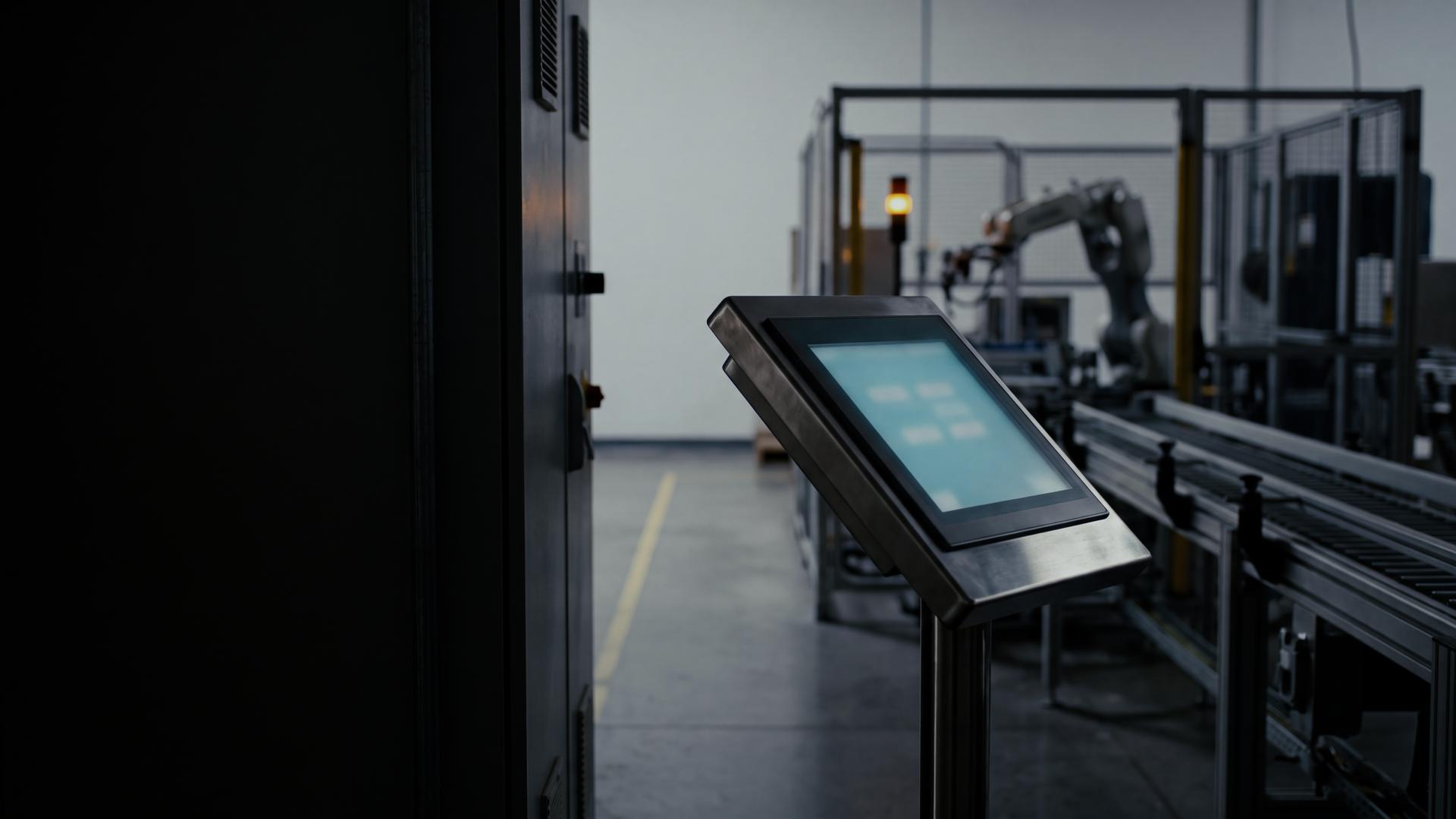
Ignition Programming for HMI and SCADA
Ignition certified. Built on the Siemens and Allen-Bradley PLCs you already run.
Perspective and Vision screens, alarming, history, and reports, scoped at the machine and commissioned on-site by the team that programs the PLCs.
Send an RFQ · Office: (877) 524-6674 · Line down? (877) 790-4697, 24/7, subject to personnel availability
- Certification
- Ignition certified
- PLCs
- Siemens, Allen-Bradley
- Coverage
- On-site nationwide
Scope
What an Ignition engagement can include
Start a new system, add to a gateway you already run, or move off an older HMI or SCADA package. Each engagement is scoped to what the plant needs.
Perspective and Vision screens
Perspective serves screens to a web browser on desktops, panel PCs, tablets, and phones. Vision runs as an installed desktop client and is common on existing systems. Overview, navigation, and detail screens are built to one standard.
Tags and UDTs
A tag structure that mirrors the equipment, with user-defined types (UDTs) for repeated machines, so one change updates every instance. Tag names your maintenance team can read.
Alarming
Alarm setup with priorities agreed with operations, the alarm journal, and notification pipelines where the plant wants them.
Tag Historian and reporting
Tag history logging, trend screens for engineering, and shift or daily reports built in Ignition’s Reporting module.
Scripting
Gateway, tag-change, and screen scripts for work that belongs outside the PLC: calculations, data handling, and moving records to and from databases.
PLC connections over OPC UA
Allen-Bradley and Siemens PLCs connected through Ignition’s built-in OPC UA server and device drivers, or through a controller’s own OPC UA server where it has one. Poll rates are set per tag group, and write access is limited to the tags that need it.
Gateway architecture and redundancy
One gateway or several, gateway redundancy where the plant needs it, and a written backup and restore procedure.
Migrations from legacy HMI/SCADA
Screens, tags, alarms, and history moved off older packages, FactoryTalk View or WinCC for example, into Ignition. The work is staged around your outage windows, and where the controllers allow it, the old and new systems run side by side during the switch.
In Ignition
- Perspective
- Vision
- Tag Historian
- Reporting
- Alarm notification
- Scripting
- OPC UA
Ignition, Perspective, and Vision are trademarks of Inductive Automation. Other product names are trademarks of their respective owners and are used here only to identify the systems we work on.
Connections
What Ignition connects to
Ignition sits on top of controls we already program.
| Ignition | Perspective, Vision, Tag Historian, Reporting, alarming, scripting |
|---|---|
| Allen-Bradley | ControlLogix, CompactLogix, PLC-5, SLC 500 |
| Siemens | S7-1200, S7-1500, S7-300, S7-400 |
| Existing HMI and SCADA | FactoryTalk View, WinCC |
| Networks | EtherNet/IP, PROFINET, OPC UA |
| Robot cells | KUKA, FANUC, and ABB robot data, usually through the cell PLC |
Older controllers on DH+, DH-485, MPI, or PROFIBUS can need a bridge or gateway before Ignition can read them. We check that at the assessment. Network details: industrial networks reference.
How a job runs
How an Ignition project runs
- 01
Assessment at the machine
We look at the PLCs, the network, the current screens, and how operators actually use them. Evaluations happen at the machine, so the first trip is not a guessing trip.
- 02
Design
The tag model, screen standards, alarm priorities, and gateway architecture go on one document you approve before the build.
- 03
Build
Screens, tags, alarms, history, and scripts are built on a development gateway, away from production.
- 04
Test: FAT and SAT
The factory acceptance test runs against simulated or offline data before the outage. The site acceptance test runs against the live PLCs on the floor.
- 05
Commissioning and training
We stay on-site through startup: screens checked against the process, alarms verified, history confirmed, and operator acceptance before we leave. Operators and maintenance get walkthroughs, and you get the documentation and the gateway backup.
Changes, additions, and troubleshooting after startup. Remote support is available; ask about it. Line down? Call (877) 790-4697, 24/7, subject to personnel availability. We aim to be on site within 4 hours locally and 24 hours stateside, subject to personnel availability.
Why TS Controls
Why TS Controls
Ignition certified
TS Controls is Ignition certified. Ignition programming is now offered alongside our PLC work.
One team from the PLC to the screen
We also program the Siemens and Allen-Bradley PLCs. When a screen needs data the PLC does not have yet, we can add it in the PLC, where it belongs.
Work fits your outage window
Field work follows the outage window the plant needs, including nights and weekends.
Legacy platforms included
PLC-5, SLC 500, and S7-300 are still in our scope, so an older line can feed a current system.
We don’t inflate scope
You get a written scope sized to the job, not a padded day rate.
Based in Anderson, SC
On-site across the Upstate and nationwide.
From the floor
Answered on The Floor.
- Ignition gateway died on a VM snapshot — lesson so we don't repeat it
- OPC UA explorer that doesn't wreck a production server
- FactoryTalk View ME vs SE for a 14-screen cell — when do you stop using ME?
- WinCC Unified vs Comfort for a new line we have to support 15 years
- Open-source HMI stacks plants will actually let on a panel PC
- S7-1500 OPC UA client — session error 3870_0600, UaExpert is fine
Send the PLC list, the current screens, and your outage window.
Upload the packet with the form below or email sales@ts-controls.com. Office: (877) 524-6674. Line down right now? Call (877) 790-4697, 24/7, subject to personnel availability.
Questions
Ignition programming, answered.
Can Ignition read our Allen-Bradley and Siemens PLCs?
Yes. Ignition connects to ControlLogix, CompactLogix, S7-1200, and S7-1500 controllers over Ethernet through its OPC UA server and drivers. Older controllers on DH+, DH-485, MPI, or PROFIBUS can need a bridge or gateway first. We check each controller at the assessment.
Should we use Perspective or Vision?
It depends on where the screens need to run. Perspective is web-based and runs in a browser on desktops, panel PCs, tablets, and phones. Vision runs as an installed desktop client and is common on existing systems. We recommend one after we see how operators use the screens and what you already have.
Can you move our existing HMI or SCADA to Ignition?
Yes. We list the screens, tags, alarms, and history you have, decide what moves as it is and what gets rebuilt, and stage the cutover around your outage windows. Where the controllers allow it, the old and new systems run side by side while operators switch over.
Do we need to buy Ignition licenses?
Ignition is licensed by Inductive Automation. The design lists the modules your system needs, for example Perspective, historian, or reporting, so you can price licensing before the build.
What should we send with an RFQ?
A list of the PLCs (make, model, and how they are networked), screenshots of the current HMI or SCADA, a gateway backup (.gwbk) or project export if you already run Ignition, what you need to see on the screens or in the reports, and your outage window. Zip the files and upload them with the form on this page (up to 10 MB), or email sales@ts-controls.com.
Request a quote
Planning an Ignition project? Start with the PLC list.
Send the PLC list, screenshots or the gateway backup, and what you need to see, and we’ll come back with a plan, not a brochure. Line down? Call the 24/7 line, subject to personnel availability.
Office: (877) 524-6674 · 24/7 line-down (subject to personnel availability): (877) 790-4697 · sales@ts-controls.com
Related