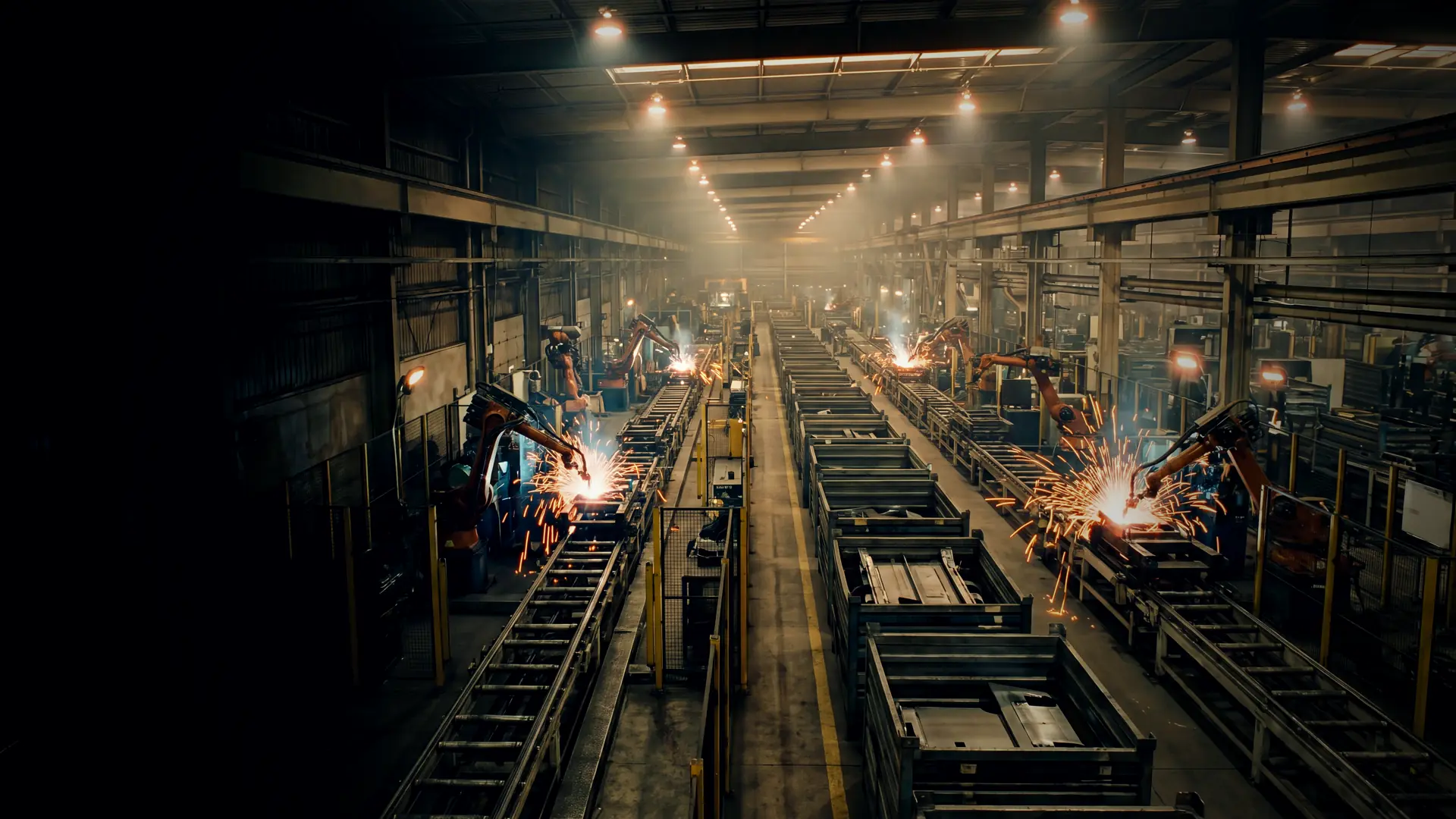
Weld touchups creeping back on a KUKA + TIA cell we thought was done
The question
Industry 5.0 loop is on. Two weeks clean, then a 1.2 mm drift on the flange on shift 3. Tool load didn't change. Base calibration looks the same. Is this a TCP, a positioner, or the process heat?
TS ControlsThe answer
Don’t touch the path yet. A drift that shows up after two clean weeks, and on one shift, says something changed in the process or the fixture, not that the program is wrong. If you touch up points now, you teach the robot to compensate for something that will change back, and you will be touching them up again next week.
Narrow it down to one of three places: the robot and tool, the base and positioner, or the part and fixture.
Start with the robot and the tool center point. Check the TCP against a fixed reference pin, or a TCP check station if the cell has one. A gun that took a light crash, or a changed shank, shifts the TCP without changing the tool load data. Verify that no axis has lost its mastering; on a KUKA, check the mastering status, and re-master only with the proper procedure and reference. If it is a servo gun, check electrode wear compensation and tip dressing. A dresser that is not cutting consistently changes the effective tip position.
Then the base and the positioner. If the part sits on a positioner or turntable, check the external axis mastering and the base calibration for that station. A base calibration that looks the same in the data does not prove the physical reference has not moved, so re-measure the base on the actual reference points. Compare the positioner encoder values with the commanded positions over the shift.
Then the part and the fixture. Drift on shift 3 only is a strong hint at temperature: the fixture heating up over a long run, or a change in ambient temperature between shifts. Steel grows about 0.012 mm per meter for every degree Celsius, so a few meters of tooling and a large temperature swing can add up to about a millimeter. Check clamps, locators, and pins for wear or loose bolts, and check that the clamp sensors confirm closed before the weld starts. A slow clamp on one shift looks exactly like robot drift. Check the incoming parts too. A different coil, die, or supplier batch on that shift shows up as a weld that moved.
Collect data before you decide. Pull the last few hundred cycles of the weld positions or seam-tracking offsets if the cell records them, the gun cooling water temperature and flow, the fixture or ambient temperature if you have a sensor, the positioner encoder positions, and the clamp-closed timestamps from the PLC (a TIA trace or a simple logging DB). If there is no temperature sensor, tape a logger to the fixture for a week. Plot everything against shift and time of day. If the offset tracks temperature, it is thermal. If it jumps at one event, such as a crash, a tool change, or maintenance, it is mechanical.
Then fix the right thing. If it is mechanical, re-establish the TCP and base properly, replace worn locators, and fix the clamping, then verify the points without changing them. If it is thermal, improve the fixture’s cooling or stability, or compensate on purpose with a measured offset tied to a measured temperature, not with hand touchups. If it is the process, tighten tip dressing and electrode wear handling.
Where the adaptive loop fits: if the cell runs a closed-loop correction, such as vision or seam tracking feeding offsets from the PLC to the robot, check its learning window and limits before blaming the robot. A loop that learns too slowly lags behind a thermal drift. One that learns too fast chases noise. It should also raise an alarm when it is correcting more than a set limit, so a real mechanical problem gets flagged instead of quietly absorbed. Set those limits with process engineering, and log every correction the loop applies so you can see the drift instead of hiding it.
Need hands on it? Send the project file, the symptom, and your outage window to sales@ts-controls.com or through the RFQ form, or call the office at (877) 524-6674, Monday–Friday, 9:00am–5:00pm Eastern. Line down right now? Call (877) 790-4697, 24/7, subject to personnel availability.
Before you send: the files to include.
See also: Industry 5.0 pilot.
Replies from members
Log in to reply. Google, X or email.
Confirm your email to post. The link is in your inbox.